The short answer
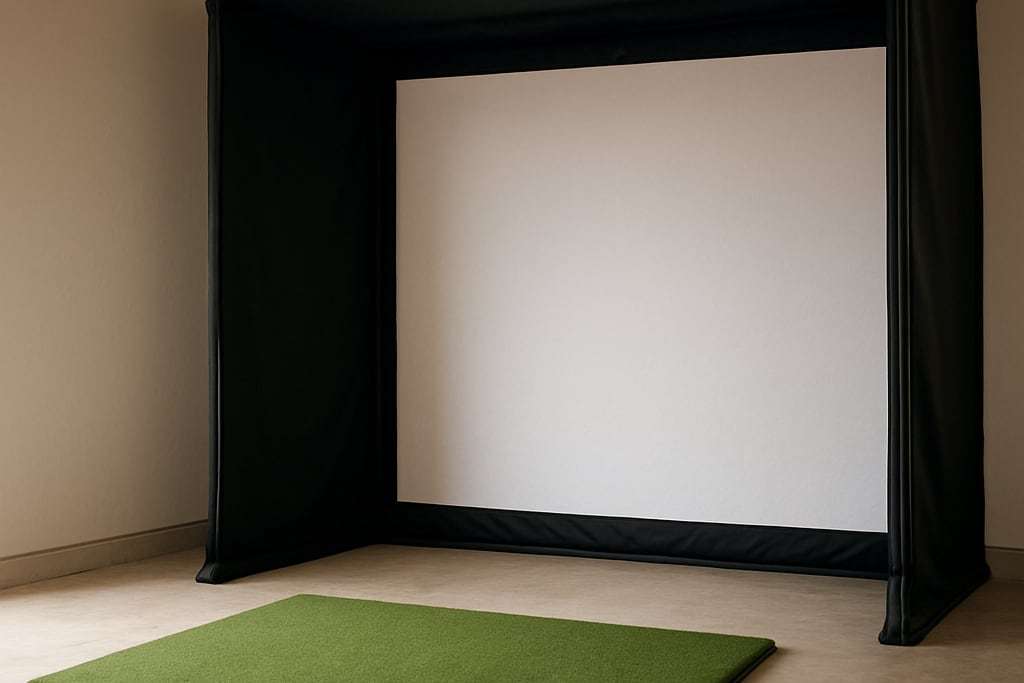
An impact screen takes the ball and shows the projected image, so fabric, size and tension all matter. If you already have a frame, start with Carl's Place Golf Impact Screens, from $179.95, rated for 250 mph ball speeds. If you need a frame as well, buy a kit with the screen included.
We earn a commission when you buy through some links on this site, at no extra cost to you. It never changes what we recommend.
The dashed circle is the path of the clubhead around the golfer's shoulders. A common rule of thumb is ceiling height of about golfer height plus club length (see the room size calculator), but a real swing is the only test.
Our picks
Golf Impact Screens
Impact screen
From $179.95, in multiple sizes and aspect ratios, engineered for 250 mph ball speeds.
- RangeMultiple sizes and aspect ratios
- RatingEngineered for 250 mph ball speeds
Listed pricefrom $179.95
Check price at Carl's PlaceSpecs & trade-offs
It is the screen only, so you supply the frame.
- Range
- Multiple sizes and aspect ratios
- Rating
- Engineered for 250 mph ball speeds
- Starting price is low
- Many sizes
- Needs your own frame
- Screen only
- Choose size carefully
DIY Golf Enclosure Kit with Impact Screen
Enclosure
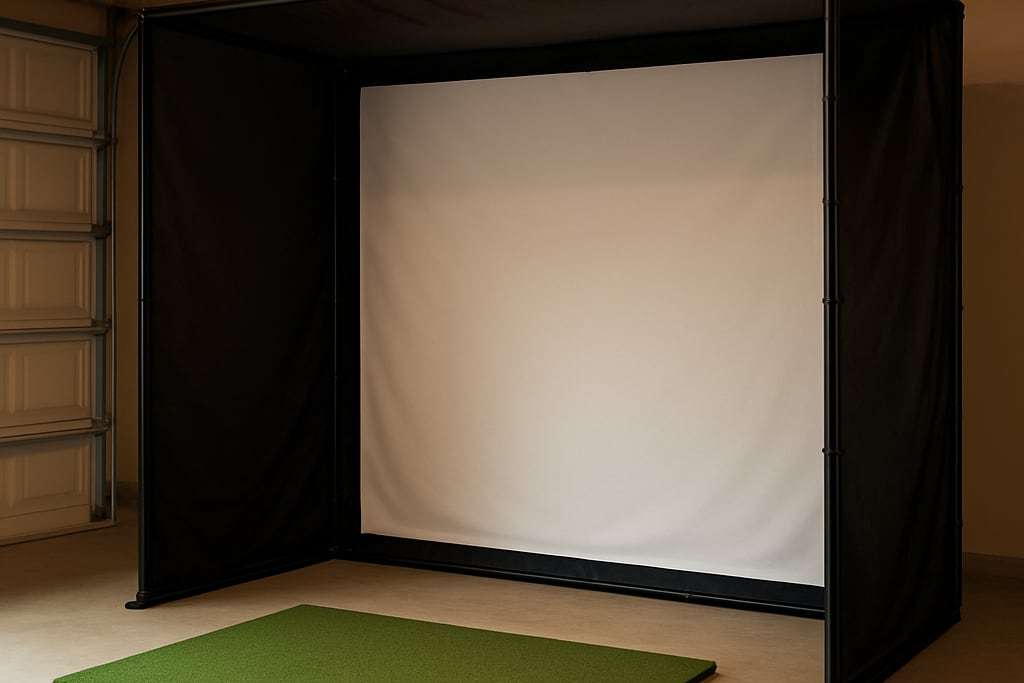
From $999.95. The impact screen runs to the floor inside a BlackStop fabric enclosure.
- MaterialBlackStop fabric enclosure
- ScreenImpact screen that runs to the floor
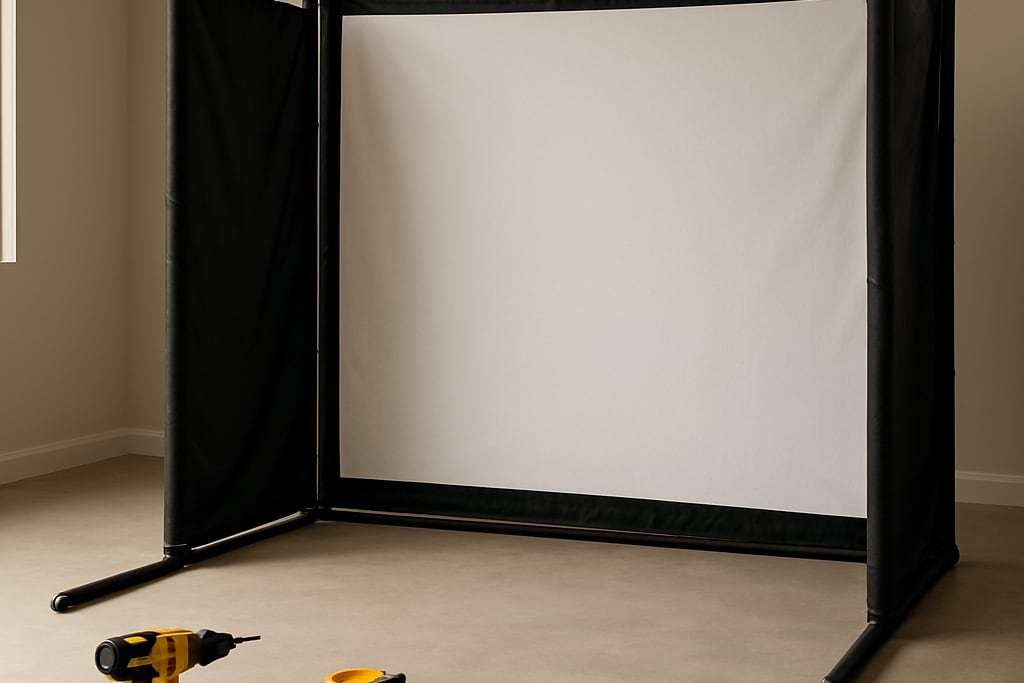
- FrameFittings included; pipe sold separately or as a Pipe Framing Kit
Listed pricefrom $999.95
Check price at Carl's PlaceSpecs & trade-offs
Pipe is sold separately.
- Material
- BlackStop fabric enclosure
- Screen
- Impact screen that runs to the floor
- Frame
- Fittings included; pipe sold separately or as a Pipe Framing Kit
- Lowest-priced Carl's enclosure kit
- Screen runs to the floor
- You build the frame
- Price rises with size
- Needs space for the full width and depth
simDIY Kit
Enclosure
From $1,499 in 8x10.5 or 9x12. Frame, pre-cut screen and hardware come in one order, and the mat is sold separately.
- Sizes8x10.5 or 9x12
- FrameIncluded
- ScreenPre-cut woven polyester
Listed pricefrom $1,499
Check price at Rain or Shine GolfSpecs & trade-offs
- Frame
- Included
- Screen
- Pre-cut woven polyester
- Sizes
- 8x10.5 or 9x12
- Lower price than SwingBay
- Frame, screen and hardware in one order
- DIY assembly
- Mat sold separately
- Needs a dedicated room
SwingBay Golf Simulator Screen and Enclosure
Enclosure
From $1,999. Ballistics-grade woven polyester rated to 250 mph, with a triple-layer option that Rain or Shine lists for less bounce-back.
- FramePowder-coated aluminum with quick-connect fittings
- ScreenBallistics-grade woven polyester rated to 250 mph
- SetupUnder 20 minutes solo, per the retailer
Listed pricefrom $1,999
Check price at Rain or Shine GolfSpecs & trade-offs
- Frame
- Powder-coated aluminum with quick-connect fittings
- Screen
- Ballistics-grade woven polyester rated to 250 mph
- Setup
- Under 20 minutes solo, per the retailer
- Fast assembly
- Triple-layer screen option for less bounce-back
- Costs more than DIY pipe kits
- Fixed sizes
- Needs a full-size room
| Model | Best for | Type | Listed price |
|---|---|---|---|
| Golf Impact Screens | Best start if you already have a frame | Impact screen | from $179.95 |
| DIY Golf Enclosure Kit with Impact Screen | Screen plus enclosure that runs to the floor | Enclosure | from $999.95 |
| simDIY Kit | Pre-cut woven polyester with a frame | Enclosure | from $1,499 |
| SwingBay Golf Simulator Screen and Enclosure | Triple-layer option for less bounce-back | Enclosure | from $1,999 |
The screen is the one part of a simulator that both stops a ball and carries the picture. A cheap or badly sized one shows up in every shot: a washed-out image, a loud thud, a ball that comes back at you. This guide is based on makers’ and retailers’ published specifications, not our own testing, so noise and durability figures are claims from the sellers.
What the screen has to do
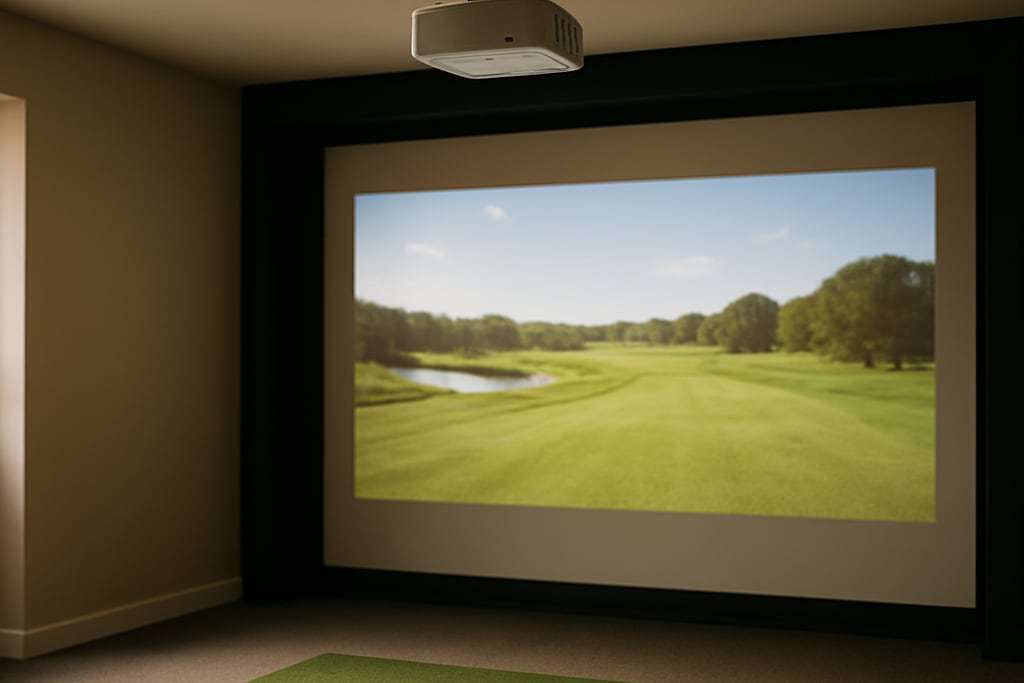
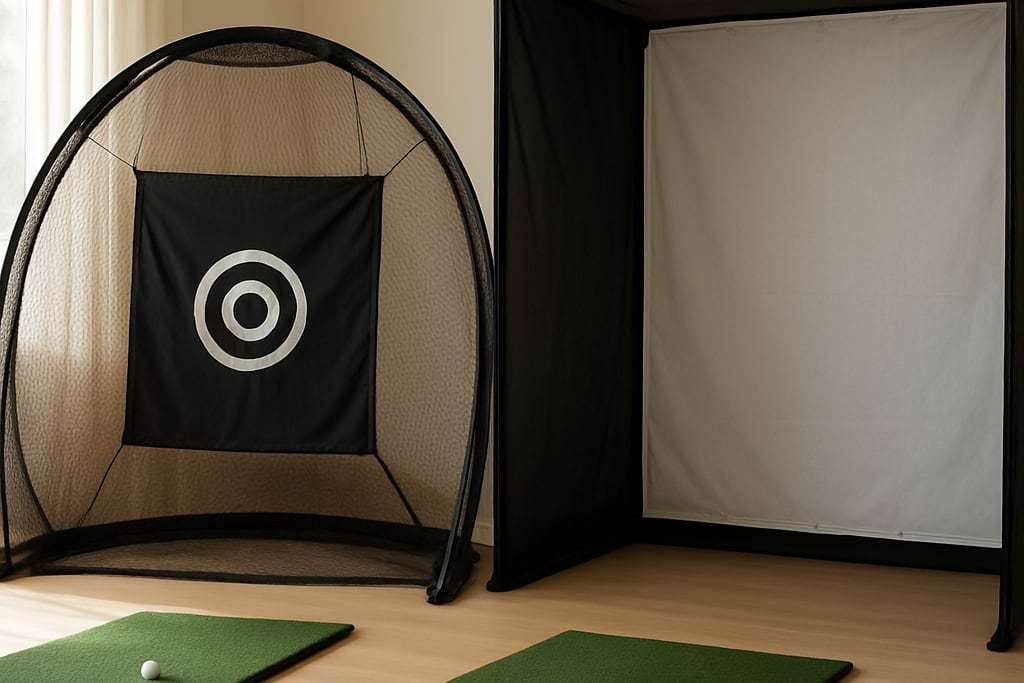
An impact screen absorbs the ball and shows the projection. A hitting net cannot show an image, which is the whole reason screens exist. Canvas Etc describes three types: hanging, enclosure and retractable.
- Hanging screens cost the least and hang from grommets, sleeves or brackets.
- Enclosure screens sit in a steel or aluminum frame that forms a bay, and are described as the most durable and immersive.
- Retractable screens roll up into the ceiling by hand or motor.
If you are choosing between types, the enclosure kit guide covers the frame side, and the net comparison covers when you can skip a screen.
Fabric: what the labels mean
Screen makers talk about weight, denier and layers. Canvas Etc says polyester of at least 9 oz per square yard with a denier of 500 or more reportedly survives more than 10,000 impacts above 150 mph, and that a thread count of at least 200 per inch helps image sharpness. Both are the maker’s internal testing, not independent results.
Layers affect noise. The same maker says multilayer enclosure fabrics cut impact noise by up to 15 dB compared with a basic hanging screen. Do not treat that as a number you will hear in your own room. None of our sources gives a measured home noise level for any screen, and forum builders say the low thud is the hard part to contain.
Carl’s Place sells Standard, Preferred and Premium screens in white or gray, plus a High-Contrast Gray Premium. It rates Premium and gray for noise dampening and reduced bounce-back and does not give measurements. The Standard is listed to protect shots up to 250 mph. All of its screens can be cut to custom sizes.
A darker room produces a brighter, cleaner projected image, and Carl’s Place notes that basements help for that reason. If your room cannot be darkened, pick the projector for brightness first.
Sizing the screen to your room
Start with the room, then the projector. Golfer’s Authority says screens 10 to 12 ft wide need at least 12 ft of room width, counting a foot of buffer each side. Screens 14 to 16 ft wide need 18 ft or more of depth. The frame adds about 2 inches per side.
| Screen width | Room guidance |
|---|---|
| 10 to 12 ft | At least 12 ft of room width, including 1 ft buffer each side |
| 14 to 16 ft | 18 ft or more of depth |
Shop Indoor Golf says the screen should sit 12 to 16 inches from the wall behind it, and Carl’s Place says at least 12 inches. Plan for that space when you measure total depth. Our room size guide gives the full depth breakdown.
Aspect ratio and image quality
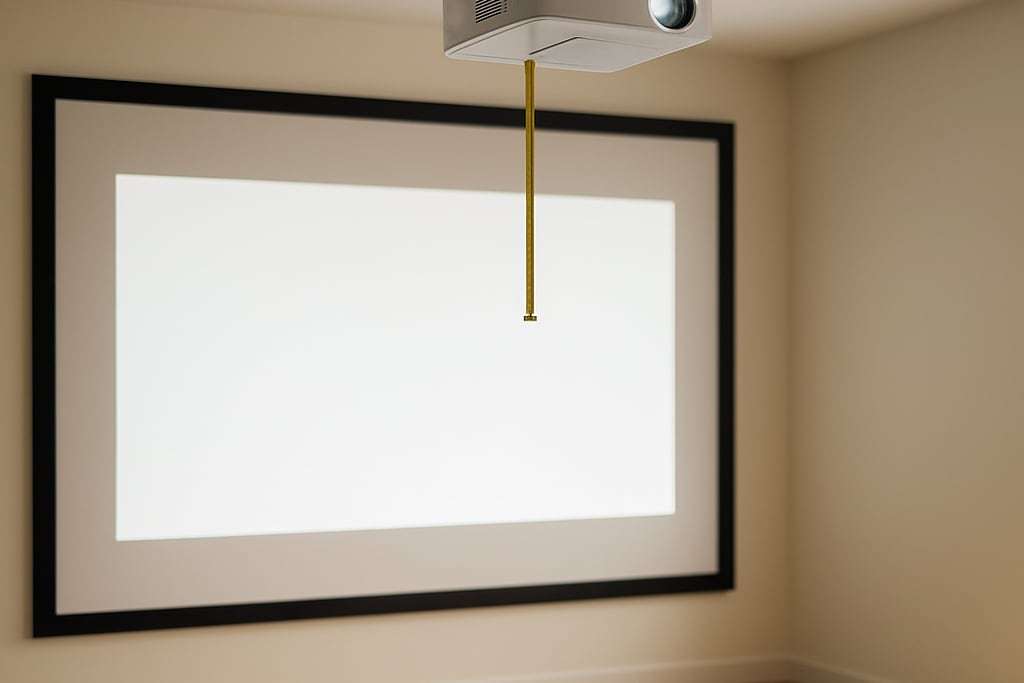
BenQ says impact screens are typically 4:3. A common approach is to use a native 16:9 or 16:10 projector and adjust the image to 4:3. That costs pixels. A 4K 3840x2160 image becomes 2880x2160, and a Full HD 1920x1080 image becomes 1440x1080, according to BenQ’s table.
16:9 is the most common ratio and needs plenty of width. 4:3 is taller, so it suits rooms with limited width. A forum case describes a 12 ft wide garage that fit a 4:3 screen while 16:9 would have been shorter. BenQ also recommends at least 2.4 inches of margin around the image so it does not run off the screen.
Match the screen to the projector before you buy either. The projector calculator turns a throw ratio and a screen width into a distance, and the projector picks list models.
Rebound, noise and safety
Rebound is the practical risk. More depth between ball and screen helps, and padding behind the screen edge flaps slows shots that hit the frame, according to Carl’s Place. A screen that is taut and wrinkle-free also behaves better than a loose one.
Measure your own swing, clear the area around the golfer, and keep children and pets out while someone is hitting. A qualified contractor should decide any ceiling or wall anchoring.
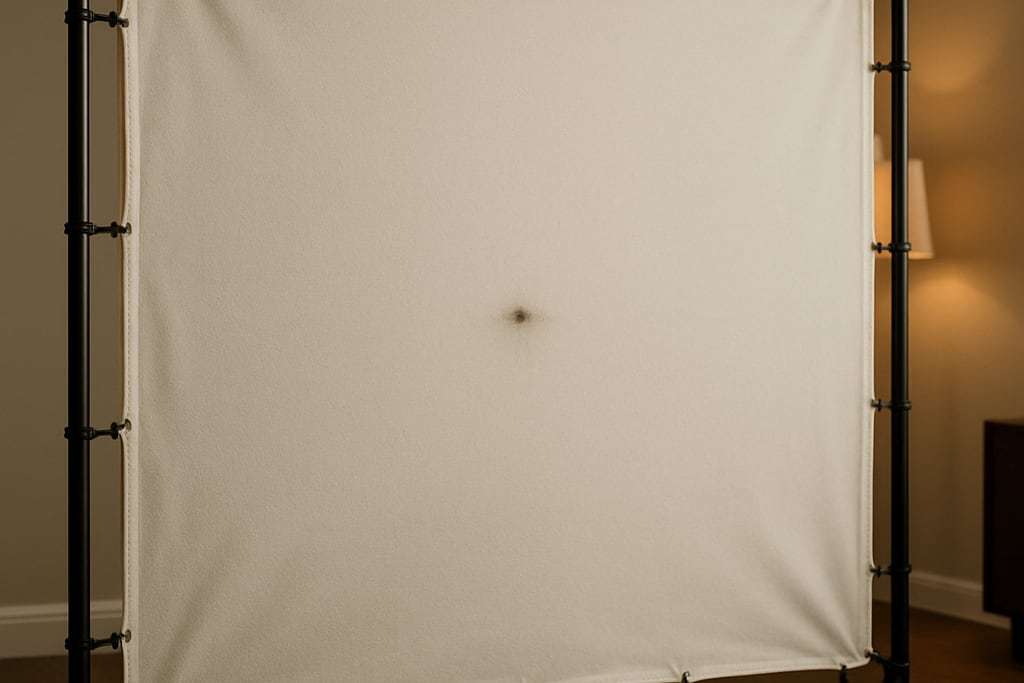
Burn marks appear over time. Carl’s Place calls them normal, especially after high-spin shots, and says commercial use wears screens faster than home use. Harsh cleaners are best avoided, per aboutGOLF’s list of build mistakes.
Screen only or a kit
The Carl’s Place screen is the screen alone: a 250 mph rating, multiple sizes and aspect ratios, from $179.95, and you supply the frame. The kits fold the screen into a package. The DIY kit’s screen runs to the floor, the simDIY uses pre-cut woven polyester, and the SwingBay uses ballistics-grade woven polyester rated to 250 mph, with a triple-layer option. Whichever you pick, ask the seller for the aspect ratio and border width, not just the size in feet, so you can match it to a projector image.
Run the numbers
The room size calculator checks that the screen fits the room, and the cost calculator adds it to the rest of the build.
Who should skip a separate screen
- Anyone who wants a complete frame. Buying a screen and a pipe frame separately takes more planning than a kit. Compare the DIY enclosure guide with a ready kit.
- Buyers who only want data. A net is cheaper and does not need a projector.
- Anyone with a very tight room. A big screen needs depth to avoid rebound and to place the projector. Measure first.
Common buying mistakes
- Buying the screen before the projector. The image size you want decides the screen, and the screen decides the throw distance.
- Choosing 16:9 for a narrow room. A 4:3 screen can be taller in the same width.
- Ignoring screen-to-wall space. Skipping the 12 to 16 inches behind the screen leaves nowhere for the fabric to move.
- Reading dB or impact-count claims as promises. They are maker claims: use them to compare fabrics only.
- Forgetting the margin. A screen exactly the size of the image cuts off the edges when the projector shifts.
Frequently asked questions
What size impact screen do I need?
Start with the room. Golfer's Authority says screens 10 to 12 ft wide need at least 12 ft of room width, including 1 ft of buffer each side, and screens 14 to 16 ft wide need 18 ft or more of depth. Then match the screen's shape to your projector, because a screen that is too tall or wide for the image leaves a bare border.
What aspect ratio should a golf impact screen be?
BenQ says impact screens are typically 4:3, and a common approach is a native 16:9 or 16:10 projector adjusted to show a 4:3 image. Canvas Etc lists 4:3, 16:9 and 16:10 for enclosure screens. A 4:3 screen is taller, which helps in a narrow room.
Do impact screens get marked or burned?
Carl's Place says burn marks are normal, especially on high-spin shots, and that commercial use wears a screen faster than home use. Marks do not mean the screen has failed.
Will a thicker screen stop the ball from coming back at me?
Thicker, multilayer fabric is aimed at reducing rebound and noise, but none of the makers listed here publishes a rebound speed. Carl's Place says its Premium and gray screens are rated for noise dampening and reduced bounce-back without giving measurements. Distance matters too: more depth is an important factor in reducing rebound.
Can I use a hitting net instead of an impact screen?
A net stops the ball but cannot show a projected image. If you want a projected course, you need a screen. If you only want numbers from a monitor, see the enclosure vs net guide.