The short answer
Throw distance equals throw ratio times image width, so a ratio of 0.8 on a 10 ft wide image puts the projector 8 ft from the screen. This calculator does that sum in both directions and shows image height for 16:9, 16:10 and 4:3, so you can check a projector before you buy a mount.
Try it with your numbers
How to use the calculator
Find the throw ratio in the projector’s specs, usually written like 0.69-0.83:1. Type the low end and the high end into the two boxes. Then choose what you know: the screen width, to get the projector distance, or the distance from the lens to the screen, to get the picture width you will end up with.
The result shows the nearest and farthest mounting distance (or image width), plus the image height for 16:9, 16:10 and 4:3. The values in the boxes are examples, so replace them with your own.
The formula
The sum is short enough to do by hand.
- Throw ratio = distance from the lens to the screen divided by image width.
- Distance = throw ratio times image width.
- Width = distance divided by throw ratio.
PlayBetter’s example: a ratio of 0.8 and a 10 ft wide image means mounting 8 ft away. Image height is the width times 9/16 for a 16:9 image, 10/16 for 16:10 and 3/4 for 4:3. On a 10 ft wide image that is about 5.6 ft, 6.25 ft and 7.5 ft.
Worked examples
These use projector ratios published by PlayBetter and a 10 ft wide image.
| Projector | Throw ratio | Distance for a 10 ft image |
|---|---|---|
| BenQ TH671ST | 0.69 to 0.83 | about 6.9 to 8.3 ft |
| BenQ TK710STi | 0.69 to 0.83 | about 6.9 to 8.3 ft |
| LG ProBeam BU53RG | 0.94 to 1.14 | about 9.4 to 11.4 ft |
Going the other way: a projector hung 8 ft from the screen with a 0.69 to 0.83 lens fills an image about 9.6 to 11.6 ft wide. That is the reason to enter both ends of the zoom range, because the lens gives you a band, not one number.
Check the shape against the screen
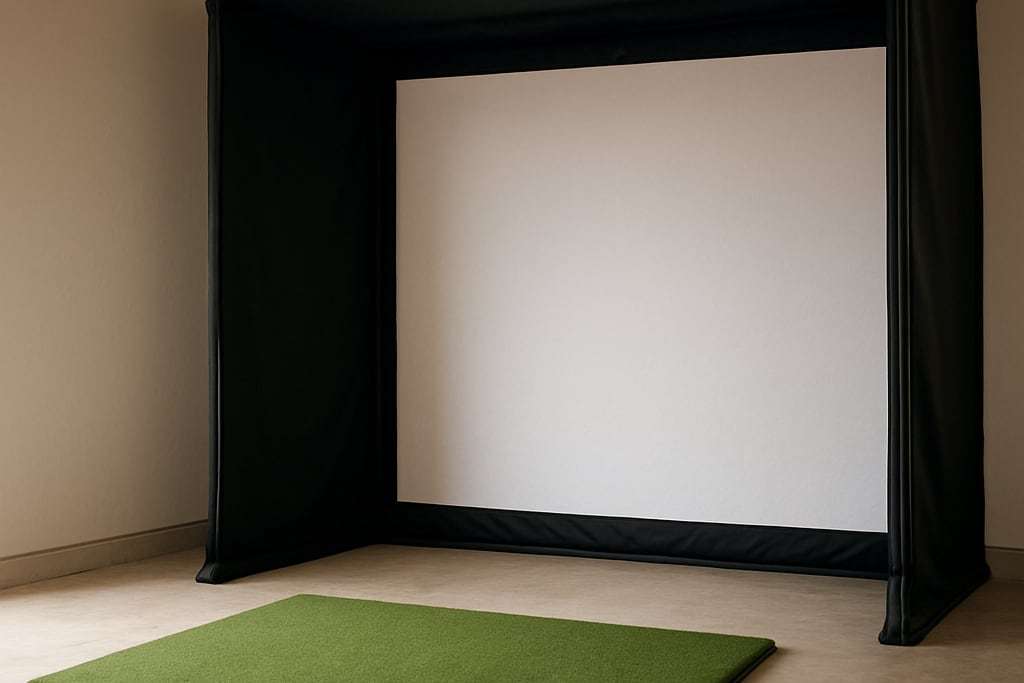
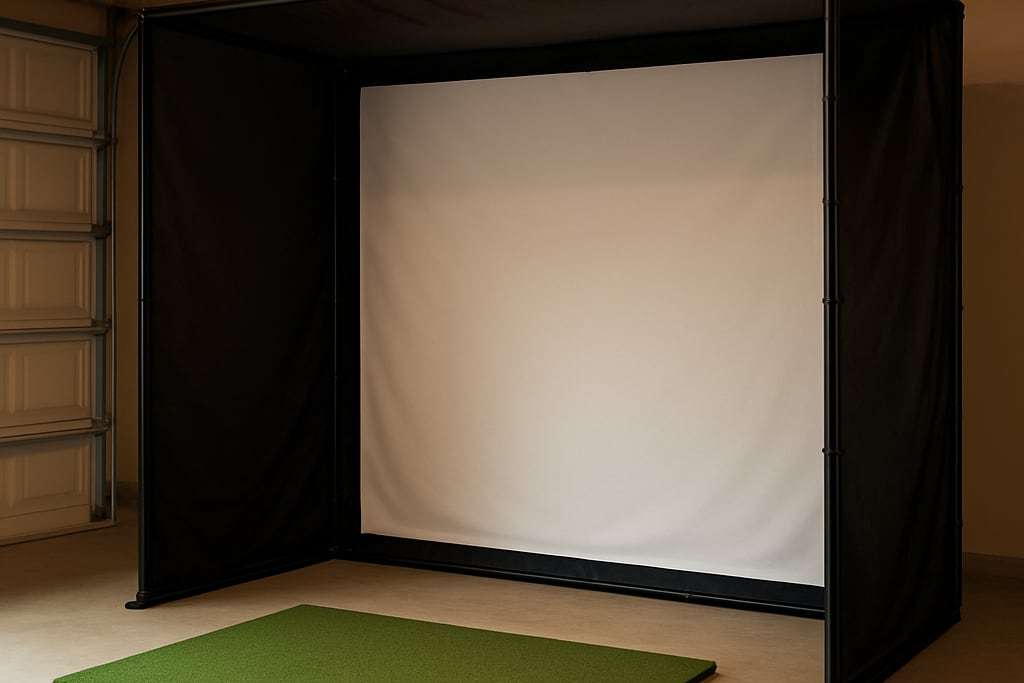
Impact screens are typically 4:3, while most golf projectors are native 16:9 or 16:10, so a 4:3 picture uses only part of the panel: 1920x1080 becomes 1440x1080 in BenQ’s table. The calculator’s height table shows how tall each shape is at your width, and a 4:3 picture is the tallest, which helps in a narrow room. The projector setup guide covers the pixel cost, keystone, offset and focus once you have your distance.
From distance to mounting spot
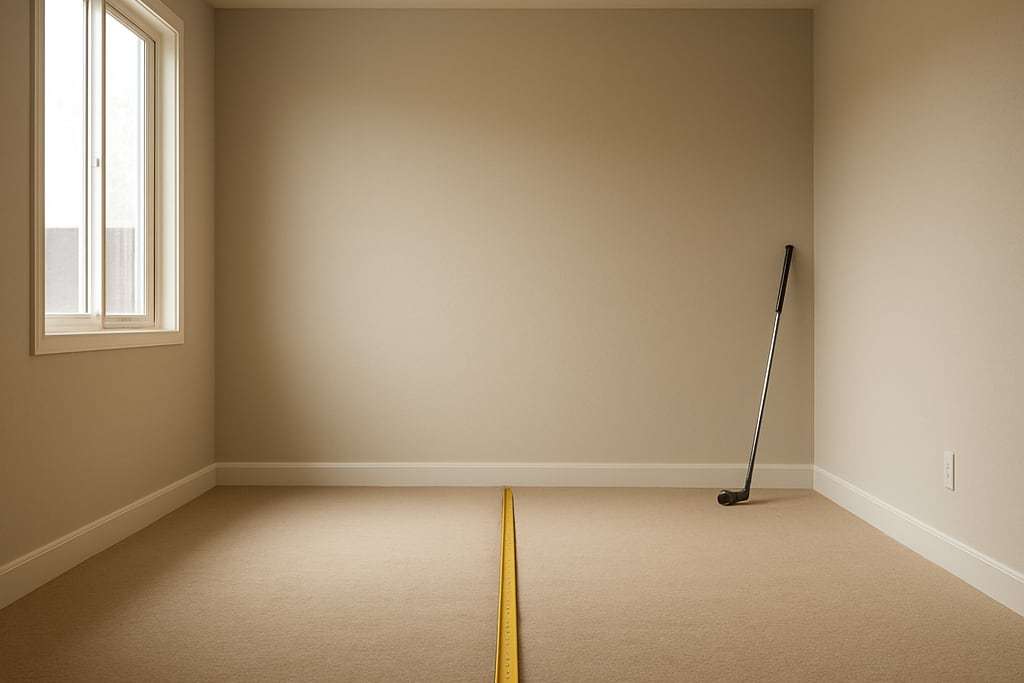
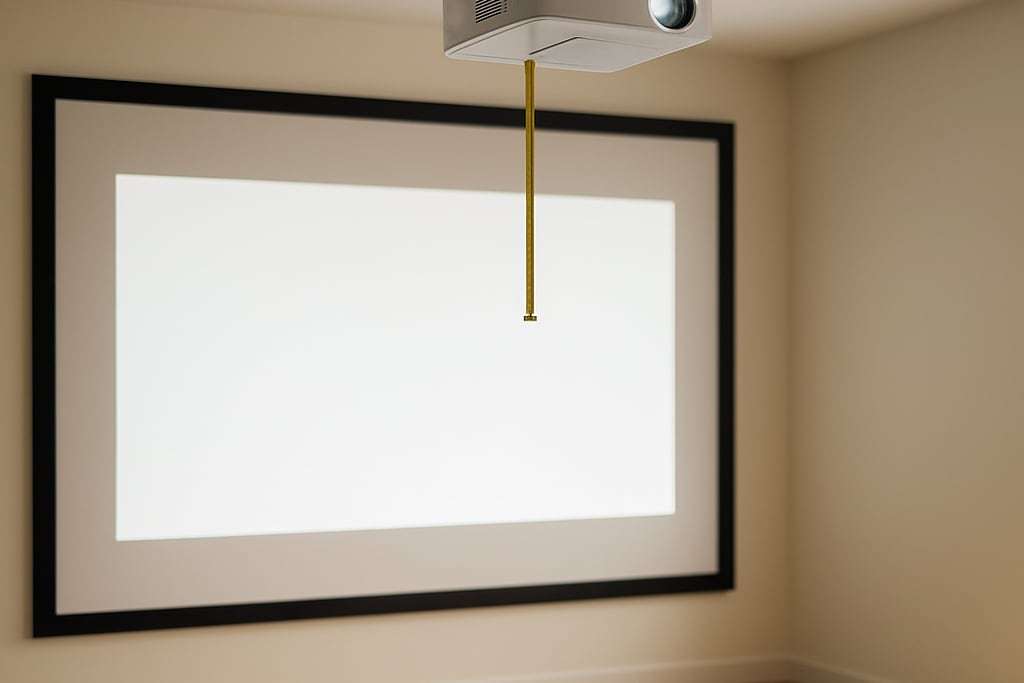
The distance the calculator returns is lens to screen, not wall to screen. Measure from the screen surface, not the frame or the wall behind it. Shop Indoor Golf puts the impact screen 12 to 16 inches from the wall, so allow for that if you are measuring from the wall.
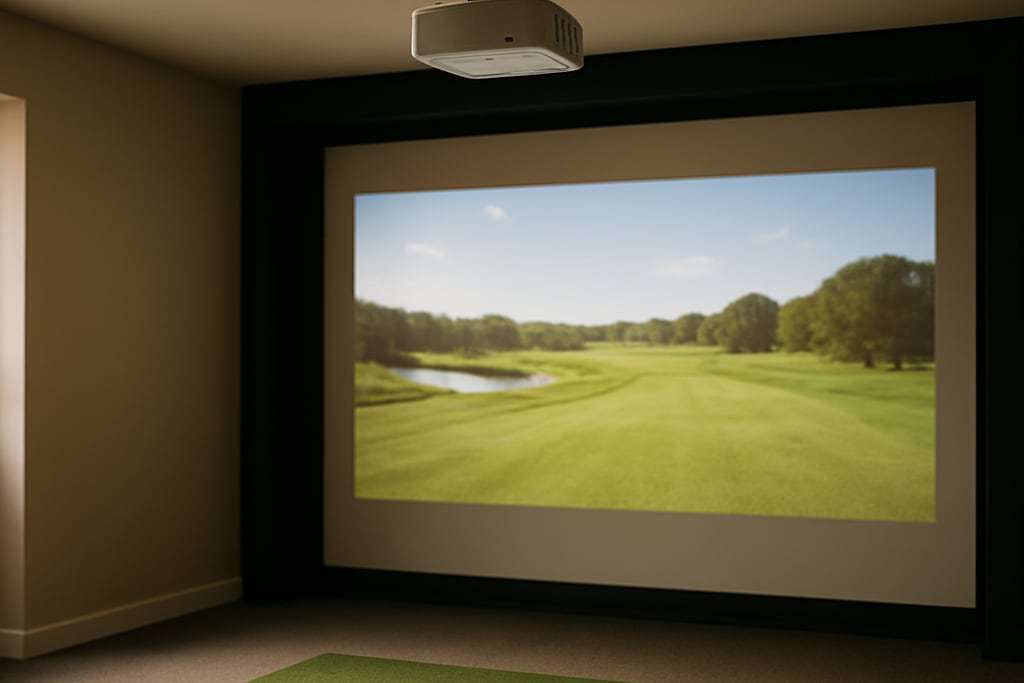
Then check where that point lands in the room. BenQ suggests a short-throw projector about 7 to 8 ft from the screen on the target line, and PlayBetter describes the ideal ceiling position as directly above, or 3 to 4 ft behind, the golfer. A standard-throw ratio of 1.2, for example, gives 12 ft on a 10 ft image, which puts the lens at or just behind a golfer who stands 10 to 12 ft from the screen.
Keep the projector and its mount out of the swing and the ball’s path: measure your longest club’s arc first, and let an electrician run any new circuit.
Brightness and resolution
A bigger image spreads the same lumens over more area. BenQ suggests about 3,000 ANSI lumens for smaller screens and 4,000 or more, ideally laser, for screens 10 ft wide or wider, and recommends 4K for screens wider than 14 ft. The projector picks page lists models with brightness and price.
Use the width of the screen’s viewable area, not the frame, and keep a border of at least 2.4 inches so the image does not run off. To size the screen itself, see the impact screen guide.
Limits of the tool
The calculator uses the maker’s stated ratio, so it is only as accurate as that spec. It does not account for lens offset, tilt or keystone, and it does not know where the ceiling, beams or an overhead monitor sit. Check the maker’s own throw calculator before you drill a mount, and compare against your room measurements.
Frequently asked questions
What is throw ratio?
Throw ratio is the distance from the lens to the screen divided by the width of the image. A short-throw projector is generally around 1.0 or less, and PlayBetter and BenQ both describe short-throw models as typically running from about 0.4 to 1.0.
Why does the calculator ask for two ratios?
Most projectors have a zoom lens, so the spec is a range, such as 0.69 to 0.83. Enter the low and high ends to see the nearest and farthest mounting distance. For a fixed lens, type the same number in both boxes.
What aspect ratio should I use?
Use the projector's native shape. Impact screens are typically 4:3, while most projectors are 16:9 or 16:10, so a 4:3 image uses part of the panel. BenQ's table shows 1920x1080 becoming 1440x1080 in 4:3.
Where should the projector go once I have the distance?
BenQ suggests a short-throw model on the target line about 7 to 8 feet from the screen, and PlayBetter describes ceiling mounts directly above or 3 to 4 feet behind the golfer. Check that the mount clears your swing and keep it out of the strike line.
How much margin should the screen have?
BenQ recommends a screen border of at least 2.4 inches (6 cm) so the projected image does not run off the screen. Enter the screen's width, not the frame's, and leave margin on each side.