The short answer
Type in the price of each part and the calculator adds a one-time total, then adds yearly software for 1, 3 or 5 years. It adds only what you enter, so packages go on the first line and the starting numbers are examples to overwrite. Use the retailer ranges below as a sanity check.
Try it with your numbers
How to use the calculator
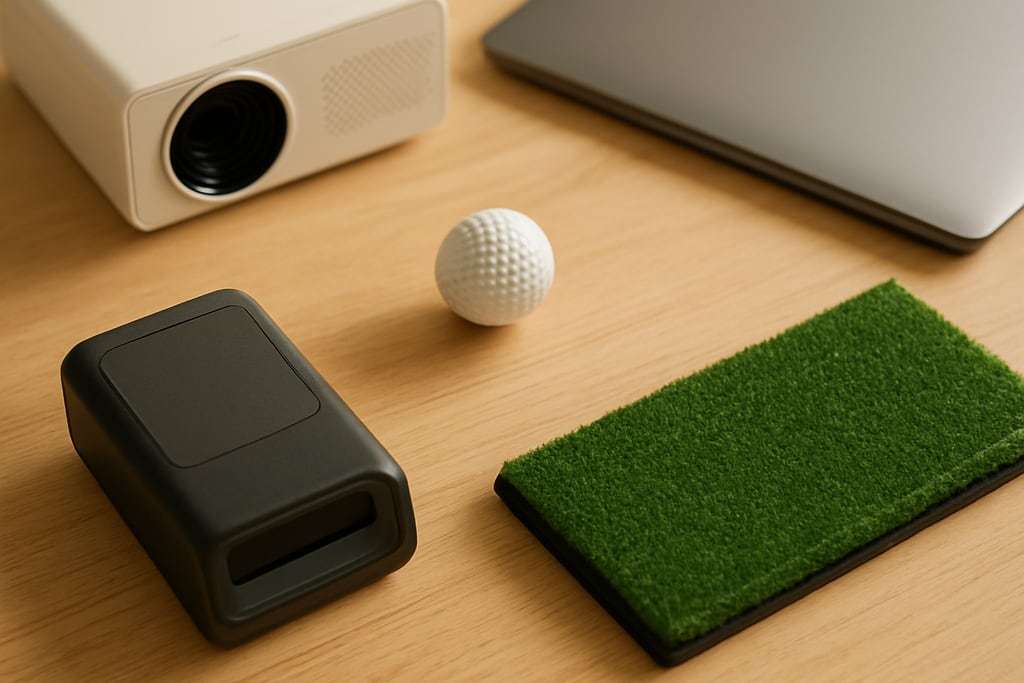
The tool is a plain adding machine with two outputs. Fill in each line with a real price from a listing. The lines are launch monitor, enclosure with screen or net, hitting mat, projector with a mount, computer or tablet, everything else (lights, floor, install) and software per year. Then pick 1, 3 or 5 years.
The one-time total is the sum of the six hardware lines. The multi-year total adds the yearly software cost times the years you pick. For 3 and 5 years it also shows the total spread over those years as a rough yearly figure; for 1 year it skips that line, because it would repeat the total. The boxes start with example numbers so the sum shows something, so overwrite them. Blank or negative entries count as $0. The formula is in a collapsed box under the tool.
Sanity check: what ranges to expect
Once you have a total, compare it with where retailers put a home build. They are retailer ranges, not surveys, so use them only as a check.
| Build | Typical total | What it usually means |
|---|---|---|
| Entry | about $1,000 to $3,000 | Launch monitor plus a hitting net |
| Mid | about $3,000 to $10,000 | Projector, screen, enclosure, PC |
| Premium | $10,000 and up | Overhead systems and turnkey rooms |
Golfjoy puts entry builds at $1,000 to $3,000 and mid builds at $3,000 to $10,000, and PlayBetter describes a realistic home range of $3,000 to $10,000 with premium builds that can exceed $20,000. Our cost guide breaks those ranges down item by item.
Three example builds
These use prices from our product data. They are examples to try in the calculator, not recommendations, and exact prices depend on size and seller.
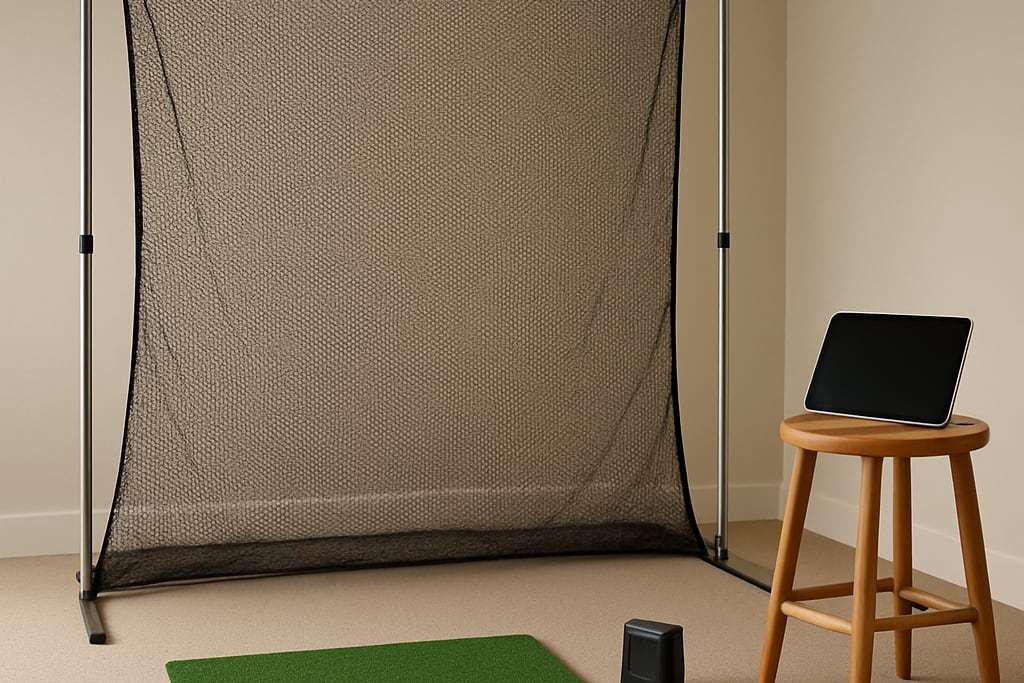
Net and monitor. Garmin Approach R10 at $499.99, SwingNet Pro at $599 and a SwingTurf mat from $399 come to about $1,500. Course play needs an active Garmin Golf membership, so check Garmin’s current price and add it to the software line. The Rain or Shine Garmin R10 Practice Bundle is listed from $1,599 with a net and mat.
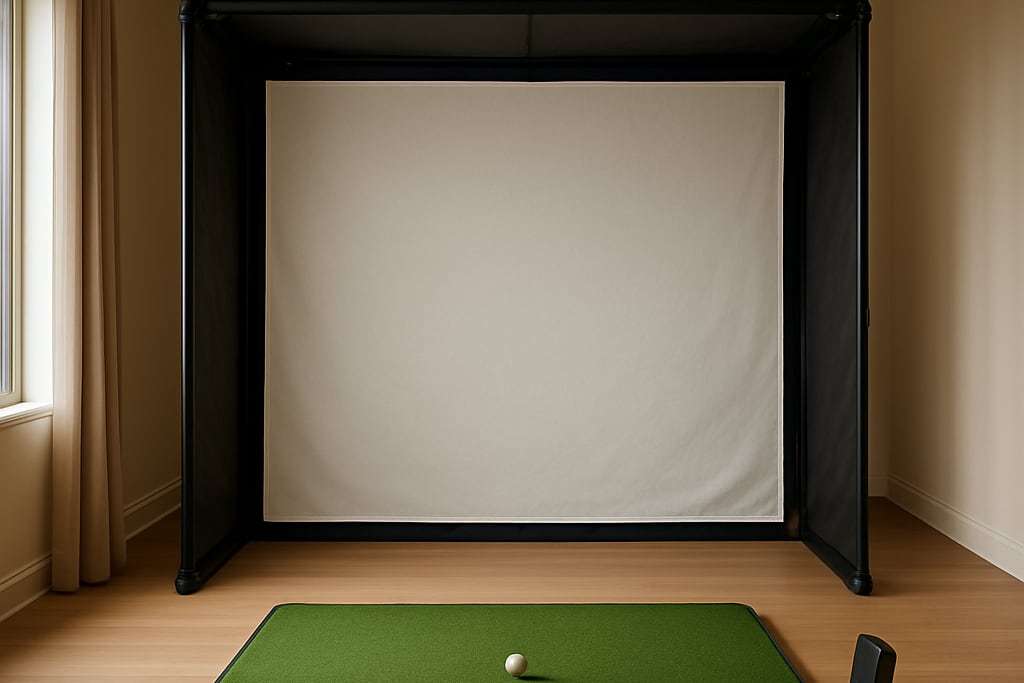
Projector room. Rapsodo MLM2XPRO at $899.99, a Carl’s DIY enclosure kit from $999.95, a SwingTurf mat from $399 and an Optoma GT2400HDR at $1,299 come to roughly $3,600. Add a PC, enclosure pipe (sold separately), a projector mount and the Core membership at $199.99 per year. That is a mid build before the extras.
Package. Carl’s EYE MINI CORE Golf Package is listed from $4,499.95 with the Uneekor monitor, a DIY enclosure, a premium impact screen, a BenQ AH30ST projector and a HotShot 4x9 mat. Enter it on the monitor line and leave the rest at zero, then add a PC and installation.
For package comparisons, see the package picks.
Costs that hide outside the box
- Computer: simulation software often needs a dedicated graphics card and more memory. A 4K projector needs a 4K-capable PC.
- Software: GSPro is $250 for the first year and renews after that. Foresight’s GC3 lists Silver at $199 per year and Gold at $599 per year. Free options exist for some monitors, so compare before you pay. Our software subscription guide lists them.
- Electrical: the load depends on the projector, computer and other gear you choose, so use the maker’s manuals for each. A qualified electrician decides which circuit and what your panel can carry.
- Room: a dehumidifier or heater, side padding, shades and a floor cushion. The flooring guide shows the layers.
Where to cut and where not to
aboutGOLF lists cutting costs on sensors and software to buy a bigger screen among common mistakes. PlayBetter describes an entry build as a launch monitor plus a hitting net, so a net is the cheapest place to start and a screen and projector can come later.
Check the launch monitor picks for options by budget, and the budget simulator guide for builds under about $2,000. Then use the room size calculator to confirm the space, before you buy anything.
Limits of the tool
The calculator adds what you type, nothing more. It does not know about shipping, tax, sales, sizes or what comes with a bundle, and it does not predict software price changes. Treat the total as a planning figure and confirm each price on the seller’s page.
Frequently asked questions
What does the calculator add up?
It adds launch monitor, enclosure or screen, mat, projector, computer and everything else for a one-time total, then adds yearly software times the years you choose. The starting numbers are example numbers, so replace each with the real price you are looking at. Negative entries count as zero.
How do I enter a package?
Put the package price on the first line and zero on the lines it already covers. For example, Carl's EYE MINI CORE package is listed from $4,499.95 and includes the monitor, enclosure, screen, projector and mat, so enter it once and leave the others at zero.
What costs are easy to miss?
Software, a capable PC, installation, electrical work, a dehumidifier or heater, and the projector mount. PlayBetter lists software, a PC, a projector, a mat, installation, electrical work and a dehumidifier or heater among the costs that are not obvious. Put the ones your build needs in the Everything else box.
Do I need a subscription?
Some monitors need a paid plan for course play, and others do not. GSPro is $250 for the first year, and Rapsodo's Core membership for the MLM2XPRO is $199.99 per year after a trial. Check what your monitor needs before you enter a number.
Are these prices current?
Prices come from the listings we link to and can change, so check the seller's page before you buy. Many are shown as from prices, and larger sizes cost more.