The short answer
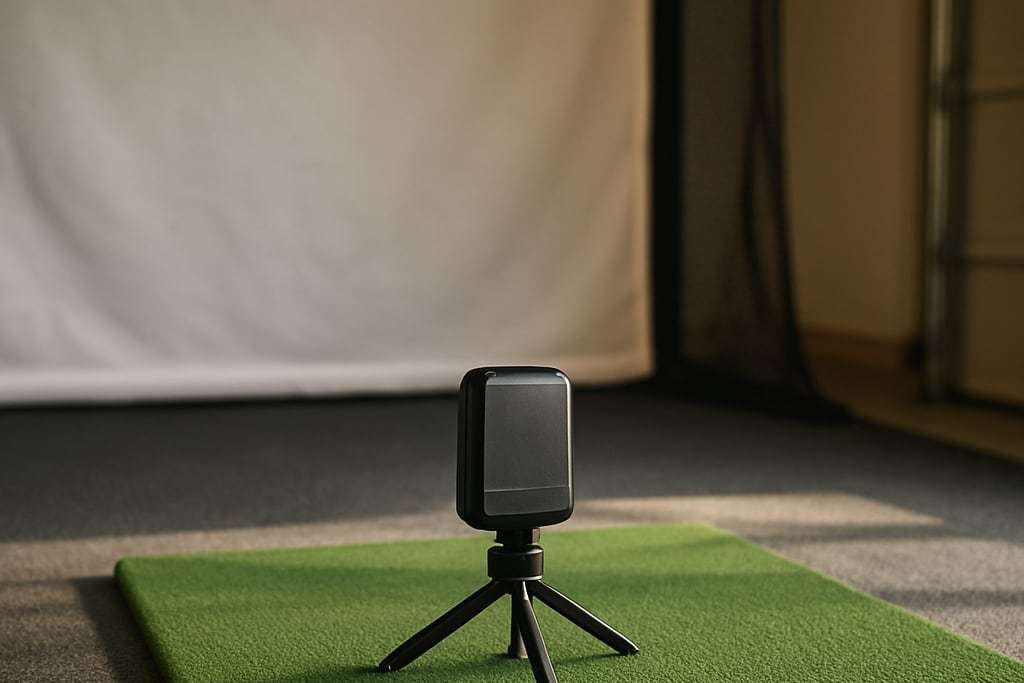
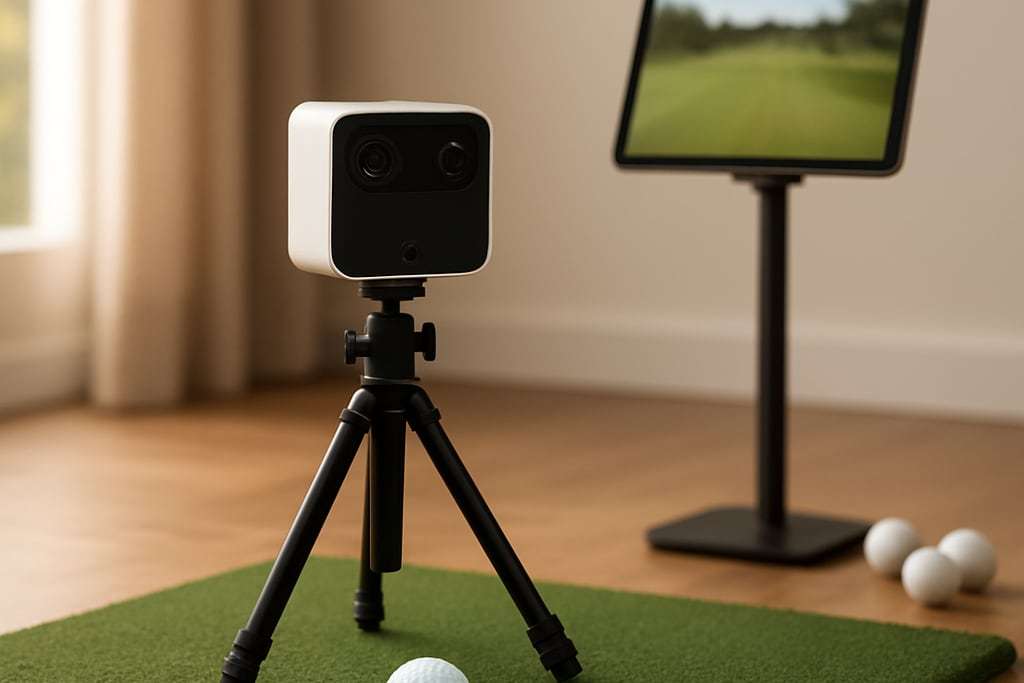
The FlightScope Mevo+ is a portable radar monitor that needs roughly 16 to 19 feet of room depth indoors, because it sits behind you and has to watch the ball fly. The Mevo Gen2 that retailers list starts from $1,149 and includes a permanent license to 8 E6 Connect courses with no subscription. In a short room, look at a camera monitor instead.
We earn a commission when you buy through some links on this site, at no extra cost to you. It never changes what we recommend.
Our picks
Mevo Gen2
Launch monitor (radar + camera)
Fusion Tracking combines 3D Doppler radar with a camera, adds auto video with a shot tracer, and includes a permanent license to 8 E6 Connect courses.
- TechnologyFusion Tracking: 3D Doppler radar plus camera
- BatteryAbout 6 hours
- VideoAuto video with shot tracer
Listed pricefrom $1,149
Check price at Carl's PlaceSpecs & trade-offs
About 6 hours of battery. From $1,149.
- Technology
- Fusion Tracking: 3D Doppler radar plus camera
- Video
- Auto video with shot tracer
- Courses
- Permanent license to 8 E6 Connect courses, no subscription
- Battery
- About 6 hours
- Use
- Indoor and outdoor
- No subscription for the 8 included courses
- Portable with kickstand setup
- Radar needs room depth behind the ball
- Larger course libraries need extra software
- Needs a projector, screen, mat and PC to be a full simulator
Mevo Gen2 Practice Bundle
Simulator package
The Mevo Gen2 with a SwingNet Pro XL 8x8 net and a SwingTurf mat, from $2,149.
- Launch monitorFlightScope Mevo Gen2
- NetSwingNet Pro XL 8x8
- MatSwingTurf 5x5 or 4x9
Listed pricefrom $2,149
Check price at Rain or Shine GolfSpecs & trade-offs
No projector, so it is a practice setup rather than a full simulator.
- Launch monitor
- FlightScope Mevo Gen2
- Net
- SwingNet Pro XL 8x8
- Mat
- SwingTurf 5x5 or 4x9
- Portable
- 8 E6 courses with no subscription
- No projector
- Radar needs depth behind the ball
- A net practice setup, not a full sim
Mevo Gen2 Golf Package
Simulator package
The Mevo Gen2 with a DIY enclosure in your choice of size, from $5,995.
- Launch monitorFlightScope Mevo Gen2
- EnclosureDIY enclosure, choice of size
Listed pricefrom $5,995
Check price at Carl's PlaceSpecs & trade-offs
Carl's Place says the exact contents beyond the monitor and enclosure vary, so read the listing before you order.
- Launch monitor
- FlightScope Mevo Gen2
- Enclosure
- DIY enclosure, choice of size
- Garage-ready bundle
- No subscription for the 8 included E6 courses
- Exact contents beyond monitor and enclosure vary, check the page
- Radar unit needs depth
- Needs a PC
MLM2PRO
Launch monitor (radar + camera)
Doppler radar plus two cameras and club-face video at 240 fps, from $549.99.
- TechnologyDoppler radar plus two cameras
- VideoSwing replay and Impact Vision club-face video at 240 fps
- SpinMeasured with RPT-marked balls; 3 Callaway Chrome Soft X balls included
Listed pricefrom $549.99
Check price at Carl's PlaceSpecs & trade-offs
Spin readings need the marked balls, and course play needs extra software.
- Technology
- Doppler radar plus two cameras
- Video
- Swing replay and Impact Vision club-face video at 240 fps
- Spin
- Measured with RPT-marked balls; 3 Callaway Chrome Soft X balls included
- Club data
- Club path and angle of attack measured since May 2025
- Connection
- iPhone, iPad or Android device
- Radar plus dual cameras at a low price
- Shows the club face at impact
- Spin data needs the marked balls
- Course play needs extra software (GSPro is $250 for the first year)
- Depends on a phone or tablet
Approach R10
Launch monitor (radar)
Doppler radar at $499.99 with 14 metrics per shot.
- TechnologyDoppler radar
- SoftwareGarmin Home Tee Hero, 43,000 courses; active Garmin Golf subscription required
- BatteryAbout 10 hours
Listed price$499.99
Check price at Carl's PlaceSpecs & trade-offs
Course play needs an active Garmin Golf subscription, so the cheap box has an ongoing cost.
- Technology
- Doppler radar
- Data
- 14 metrics per shot, including ball speed, launch angle, spin rate and smash factor
- Battery
- About 10 hours
- Weight
- Under half a pound, carrying case included
- Software
- Garmin Home Tee Hero, 43,000 courses; active Garmin Golf subscription required
- Video
- Records a clip of every swing with data overlay
- Among the lowest-priced monitors that can run simulator courses
- Small enough to move between garage, backyard and range
- Course play needs an active Garmin Golf subscription
- Radar-based, so it needs room behind the ball
- Needs a net or screen, mat, projector and a device to become a full simulator
| Model | Best for | Type | Listed price |
|---|---|---|---|
| Mevo Gen2 | The monitor this review covers | Launch monitor (radar + camera) | from $1,149 |
| Mevo Gen2 Practice Bundle | Cheapest way to start hitting | Simulator package | from $2,149 |
| Mevo Gen2 Golf Package | Monitor plus enclosure in one order | Simulator package | from $5,995 |
| MLM2PRO | Lower-priced radar alternative | Launch monitor (radar + camera) | from $549.99 |
| Approach R10 | Entry-level radar | Launch monitor (radar) | $499.99 |
The FlightScope Mevo+ is a portable radar launch monitor that stands behind the golfer and tracks the ball once it leaves the club. This review is based on published specifications and documentation from FlightScope and the retailers that sell it, not on our own use of the unit. It covers what the Mevo+ measures, how much room it needs indoors, what software comes with it, and what the Mevo Gen2, the version our retailers list, costs.
The short version: a Mevo makes sense when you want more than entry-level data and your room is at least 16 feet deep. It makes little sense in a short room, because radar has to watch the ball fly to work.
What the Mevo+ is
Mevo+ is a Doppler radar unit. Radar monitors send out microwaves and read the ball’s motion in flight, instead of photographing the club at impact. Golfer’s Authority describes the type this way: it sits behind the golfer, works indoors and outdoors, and is not bothered by room lighting. The same source lists the Mevo+ at 16 ounces, so it is easy to carry between a bay and the range.
The unit our retailers list is the Mevo Gen2. The listing describes it as Fusion Tracking: 3D Doppler radar plus a camera. It also records automatic video with a shot tracer, runs about 6 hours on a charge, and works indoors and outdoors. A hybrid like this is the middle ground between a pure radar unit and a camera unit, and that is the kind of device Golfer’s Authority says tracks 15 to 18 parameters.
Every price on this page is a Mevo Gen2 price from Carl’s Place or Rain or Shine Golf, so check the maker’s page if you are shopping for the original Mevo+.
How much room it needs
Radar is the space-hungry way to measure a shot. The unit sits behind you, and then the ball needs a long clear path to be seen. Three published views, from sellers rather than independent tests, line up fairly well:
| Source | Depth | Width | Height |
|---|---|---|---|
| Shop Indoor Golf, radar behind the golfer (lists Mevo Gen2) | 16 to 19 ft | 12 to 15 ft | 10 ft |
| Golfer’s Authority, radar | 16 to 21 ft | about 14 ft | 9 to 10 ft |
| FlightScope FAQ, indoor use | 8 ft of ball flight, unit 4 to 7 ft behind the ball | not stated | not stated |
FlightScope’s FAQ is the most specific. It says the best wedge results come with the unit about 4 feet behind the ball and the best driver results at about 7 feet. For outdoor use of the Mevo+, it asks for 8 feet behind the ball on a full swing, 7 feet when chipping and 5 feet when putting.
Add it up for an indoor bay. You want 8 feet of flight, up to 7 feet behind the ball, the tee area, and the foot of space between screen and wall that most guides recommend. That is how depth lands in the high teens, and why a 12 foot deep spare bedroom is the wrong match for this monitor.
Golfer’s Authority also says radar indoors tracks only roughly the first 8 to 10 feet of ball flight and that metal objects near the unit can affect readings. If the room has a steel frame or equipment around the screen, keep that in mind. Our radar versus camera guide shows the layouts side by side, and the room size guide has the full measuring steps.
Safety and swing space
The swing area comes first, whatever monitor you choose. Carl’s Place recommends about 7 feet of clearance in all directions around the golfer, with the Mevo behind that circle, not inside it. Measure your own driver swing with a slow practice swing before you buy. Rebounding balls and ceiling strikes are real risks that no monitor removes, so keep children and pets out of the room while anyone is hitting, and leave electrical work to a qualified electrician.
Software and what you pay after the box
This is the Mevo’s strongest argument. Carl’s Place lists a permanent license to 8 E6 Connect courses on the Mevo Gen2, with no subscription. Retailers also say the earlier Mevo+ includes lifetime E6 Connect access with 10 courses. Compare that with the Garmin R10, where course play depends on an active Garmin Golf subscription.
Two caveats from the same retailers:
- Larger course libraries need extra software. GSPro, for example, is $250 for the first year and renews after that.
- Retailers say club path and face angle on the Gen2 need a paid Pro Package. We do not have a price for it, so check FlightScope’s page before you plan a budget around club data.
Simulation also needs a computer that can run it. Shop Indoor Golf notes that a standard PC may struggle, and that a dedicated graphics card and more memory are common requirements. See the software subscription guide for which monitors carry a recurring fee.
What a Mevo costs in a real build
The monitor is only the start. Here is how the listings stack up:
| What | Price | What you still need |
|---|---|---|
| Mevo Gen2 alone | from $1,149 | Net or screen, mat, projector, PC |
| Rain or Shine Mevo Gen2 Practice Bundle | from $2,149 | Projector and screen for course play |
| Carl’s Place Mevo Gen2 Golf Package | from $5,995 | PC; check the page for other contents |
The Rain or Shine practice bundle pairs the monitor with a SwingNet Pro XL 8x8 net and a SwingTurf mat in 5x5 or 4x9. It is a way to start hitting and watching numbers, not a full simulator. Our cost guide breaks down what a projector-and-screen room adds.
Run the numbers
Radar needs depth, so enter your room in the room size calculator before ordering, and add the monitor to the cost calculator.
Who should skip it
- Anyone with under about 16 feet of depth. A beside-the-ball camera unit needs less room. The Uneekor EYE MINI review is one place to start.
- Anyone who wants the lowest price. The Garmin R10 is $499.99 and the Rapsodo MLM2PRO is from $549.99. Both are radar units too, so they need the same depth. See our R10 versus MLM2PRO comparison.
- Anyone who expects a maker’s numbers to match a pro fitting. Accuracy claims are the maker’s. We have no independent test comparing monitors, so we do not rank them on accuracy.
Common buying mistakes
- Measuring only the floor. Check ceiling height at the hitting spot, and the lowest light, duct or beam in the swing zone.
- Buying radar for a short room. Radar needs depth; Golfer’s Authority puts it at roughly twice what a camera unit needs.
- Assuming the box is the whole cost. A PC, projector, screen and mat are separate, and so is any software beyond the included courses.
- Skipping calibration and testing. aboutGOLF lists skipping them as a common build mistake.
- Planning only for yourself. If a left-handed player will also hit, check which side the unit and mat suit.
Frequently asked questions
How much room does a FlightScope Mevo+ need indoors?
Plan for 16 to 19 feet of depth, 12 to 15 feet of width and about 10 feet of height. That is Shop Indoor Golf's range for radar monitors placed behind the golfer, and it lists the Mevo Gen2 in that group. FlightScope's own FAQ asks for 8 feet of ball flight indoors and places the Mevo 4 to 7 feet behind the ball.
Does the Mevo+ need a subscription to play courses?
Retailers say the Mevo+ includes lifetime E6 Connect access with 10 courses, and that the Mevo Gen2 includes a permanent license to 8 E6 courses. Larger course libraries and other software, such as GSPro at $250 for the first year, are extra. Check the maker's listing for what your unit includes.
Where should the Mevo+ sit for a driver and for a wedge?
FlightScope's FAQ says its best wedge results come with the unit about 4 feet behind the ball and its best driver results at about 7 feet. Outdoors, it asks for the Mevo+ 8 feet behind the ball for a full swing. Indoors, set it where the ball flight gets at least 8 feet of clear path to the screen.
Is the Mevo+ or a camera monitor better for a small room?
A camera monitor suits a short room better. Photometric units sit beside the ball and need about 15 to 16 feet of total depth in Shop Indoor Golf's table, while radar needs 16 to 19.
Do I need a PC to use a Mevo?
For course play on a projector screen, yes. A full simulator around the Mevo Gen2 needs a projector, screen, mat and PC, and simulation software often needs a dedicated graphics card and extra memory.